
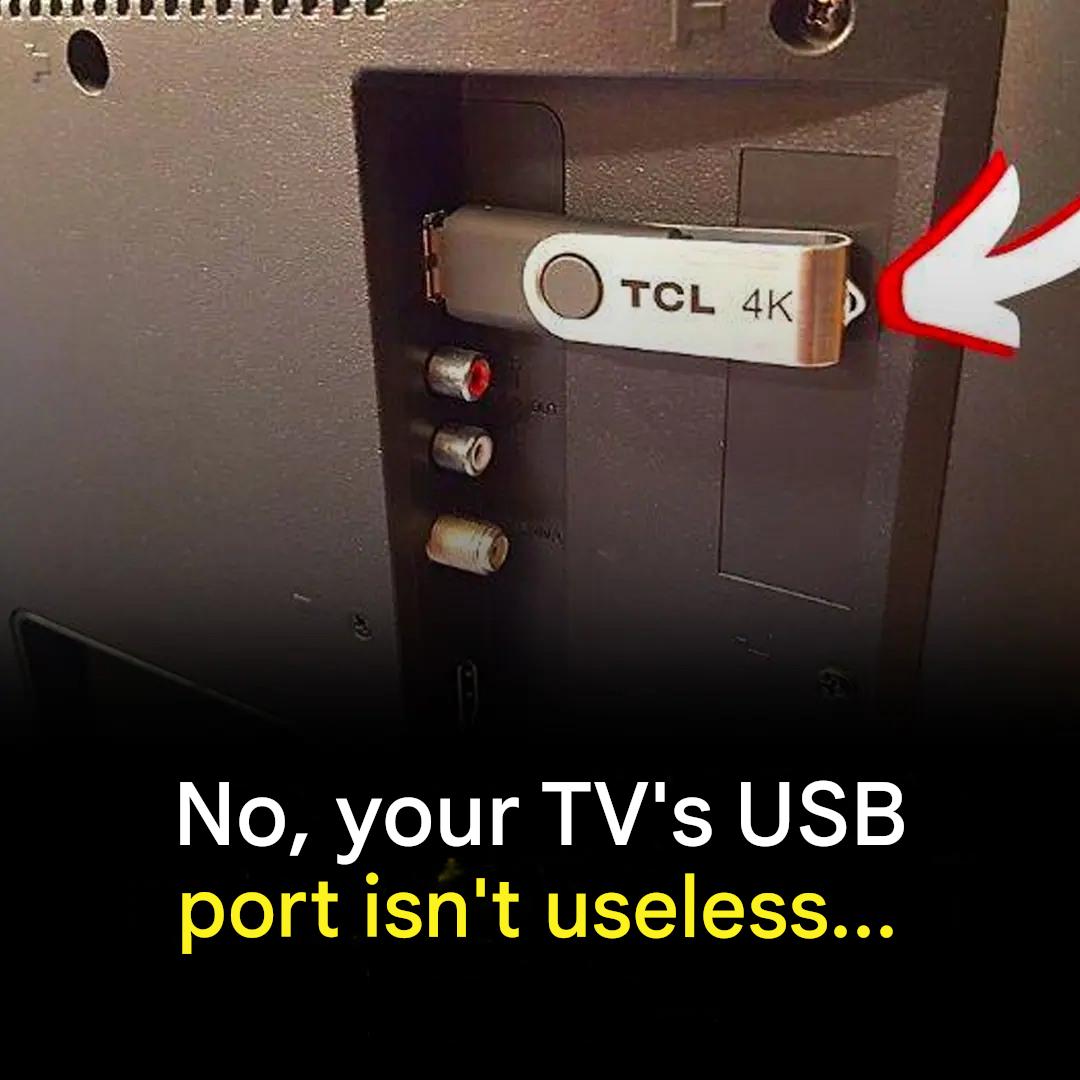
We’ve all noticed it, that small, discreet port on the back of the TV. And yet… we often ignore it. As a result, we miss out on very practical functions that could transform your movie nights, family meals, or even your gaming sessions. Good news: your TV’s USB port is far from decorative. Here are three simple and effective ways to use it.
Watch your movies and photos without the internet
Who hasn’t cursed an unstable connection at the crucial moment of a movie? Thanks to the USB port, you no longer need to rely on Wi-Fi. Copy your movies, series, photos, or videos onto a USB flash drive (ideally formatted in FAT32 or exFAT depending on your model), then plug it into the TV. From the “Source,” “Inputs,” or “Media Player” menu, select the flash drive to access the content.
It’s the perfect option for:
Relive your family vacation memories.
Playing a slideshow at a birthday party.
Start a movie without using a streaming platform. Increase your Smart TV’s storage space
Many French households are now equipped with a smart TV. But these models often have limited storage space.
Have you ever had to delete one app to install another? It happens frequently.
The solution: connect a fast USB flash drive (USB 3.0 if compatible) or a self-powered external hard drive. On some TVs, you can format the storage device directly from the settings to use it as additional storage.
This allows you to:
Download more apps.
Record live TV programs (PVR function if available).
Store large multimedia files. Connect a keyboard, mouse, or controller for greater comfort
Browsing the internet with a remote control can quickly become tedious. Typing a password letter by letter isn’t the most practical solution.
The USB port often allows you to connect:
A computer keyboard.
A wired mouse.
A compatible game controller.
On many recent TVs, these peripherals are automatically recognized. This allows for smoother navigation, ideal for:
Quickly searching for a movie or series.
Using a built-in web browser.
Enjoying games available on your smart TV.
Your screen almost becomes a mini living room computer.
A small detail that makes all the difference.
The USB port can also power certain low-power accessories, such as an HDMI streaming stick or an ambient LED strip placed behind the screen. This avoids using an additional power outlet.
However, be aware: not all USB ports deliver the same power (often 0.5 A or 1 A). Check the technical specifications before connecting a device requiring more power.
How to check compatibility?
Each TV has its own specific features. Consult the user manual or the “Settings” menu to check:
The supported video formats (MP4, MKV, AVI, etc.).
The ability to configure external storage as internal memory.
Compatible USB accessories.
A quick look at the settings can reveal unexpected features.
Sometimes, all it takes is fully utilizing a simple, forgotten port to modernize your setup and enhance your evenings at home.
